Choose today’s Daily Queens puzzle
Press Play Daily Queens, then choose 7×7, 9×9 or 11×11 on the game’s opening screen. Once the board appears, check the date shown beneath it. To return to the game’s current day, tap that date and select Today in the calendar.
This is HTMLGames / Zygomatic’s puzzle. It has its own boards and date controls; it is independent of LinkedIn Queens. A date or solution from another Queens provider will not necessarily identify the same board here.
Replay an earlier date
- Open a board in the size you want to solve.
- Tap the displayed date beneath the grid to open the calendar.
- Use the previous-month arrow if the day is in an earlier month. Check the displayed month and year before choosing.
- Select a day. The date label changes and the game starts that date’s board.
- To return, open the calendar again and choose Today.
Switching dates starts a different board. Finish your current attempt first if you do not want to leave it. The dates offered by the embedded calendar are the available choices; QueensGames does not maintain a separate archive or promise that every historical date is available.
Match the date and the board size
When comparing a puzzle with a friend, write down the provider, full date and board size. “November 14” alone leaves out the year and size. For example, “HTMLGames Daily Queens, 14 November 2026, 7×7” identifies what you are discussing much more clearly. That example is a reference label, not a claim about the puzzle currently on screen.
The Share button shares this page’s address. It does not automatically select a date or preserve your unfinished board for someone else. Ask the other player to choose the same date and size inside the game.
Read this board’s rules
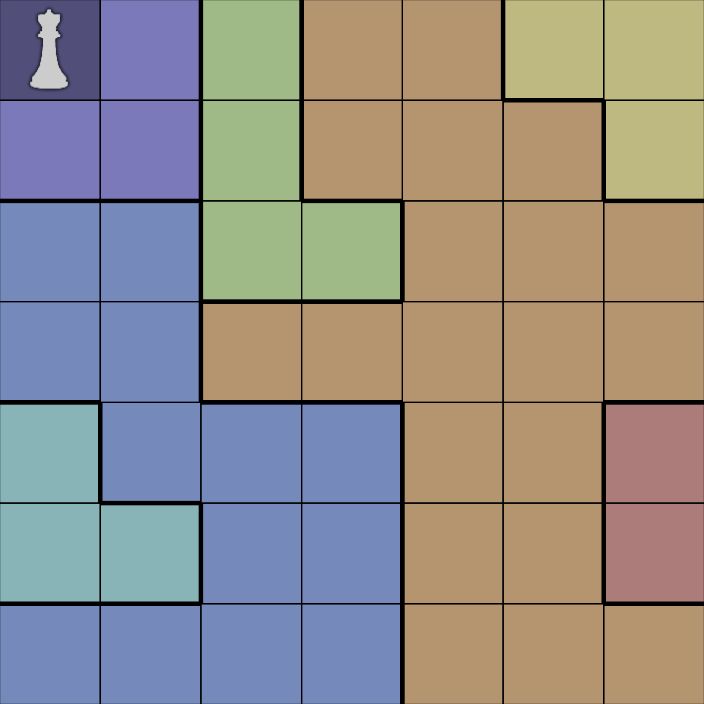
Place one queen in every row, column and colored region. Queens must not touch at an edge or corner. A first tap marks a cell, the next places a queen, and the next clears it. See the complete playing guide for a first deduction, or the diagonal examples when two distant queens appear to line up.
Questions about daily play
Are these today’s LinkedIn answers?
No. This page lets you play Daily Queens from HTMLGames. It does not reproduce LinkedIn boards or publish answers to its daily challenge.
When does the date change?
Use the date displayed by the game and its Today control. We have not verified a provider-wide reset time, so we do not promise a midnight UTC rollover or show a separate countdown.
Can I choose a date on my phone?
Yes: start a board, then tap its date label to open the calendar. If the controls feel small, try our Fullscreen button where supported, or rotate your device. You can read these instructions again without submitting a score or creating an account.
What if the game will not load?
The board loads from HTMLGames after you press Play. Check your connection and whether the browser permits that third-party content, then try Reload game. The provider may show advertisements and use cookies. Browser storage can affect remembered preferences or progress; QueensGames does not provide cross-device saved games.
Need help spotting your next move? Read six beginner mistakes and elimination tips, or return to the main Queens game page.